
If you have more than one farm, and you have made a useful layout e.g. in the "Service" window for yourself in one database, it is possible to copy the layout to the other database(s).
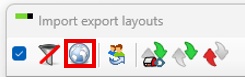
Go to "General" - "Administration" - "Layout" - click on the globus "Show global layouts"
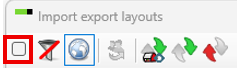
Unmark the check box in the top
Scroll down until you find the layout(s) you have made and saved in your own chosen name and put a check-mark in the box. In this case the layout "Service" under the "animal event form"-section. If you have more than one layout you would like to copy, you continue scrolling and put a check mark until all needed layouts for export have been chosen.

Click on the icon with green and grey arrow to export the layout.

Navigate to a folder on your c-drive and save the file here.
Go to the other database, where you would like to have the layout imported.
Again go to "General" - "Administration" - "Layout" - click on the icon with a red and grey arrow
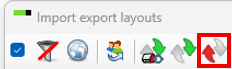
Navigate to the folder on your c-drive, where you just saved the layout and double click on the file.
Now the layout have been copied to your other database. If you have more databases where you would like to use the same layout, you go to the next database and continue importing the layout(s)