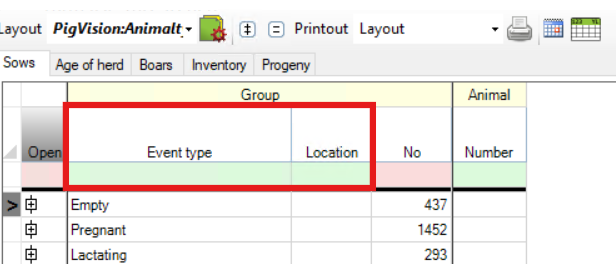
The Farm list in PigVision can display the list of sows in different ways, depending on how you want to organise and view your animals.
You can group sows by "Event type", add "Litter number", or combine "Location" and "Event type". These options make it easier to find specific groups of sows and review animal numbers.
1. "Event type"
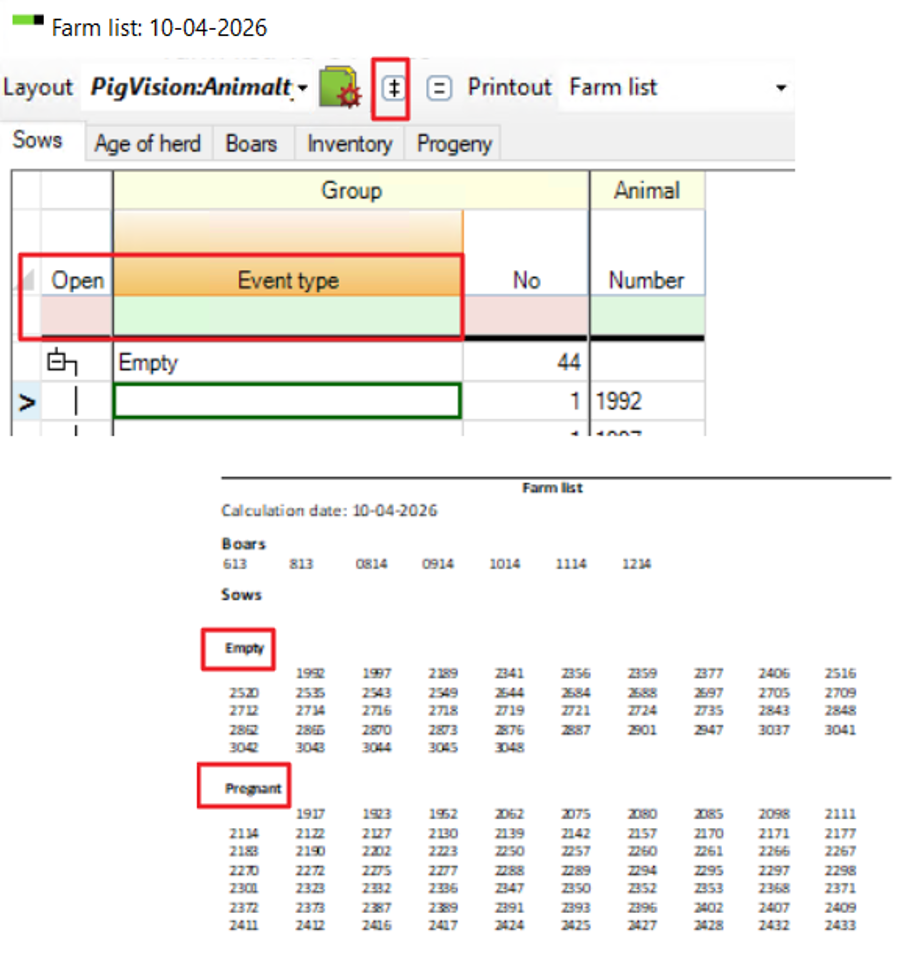
Use this option to group sows according to their current event type, such as empty or pregnant.
How it works:
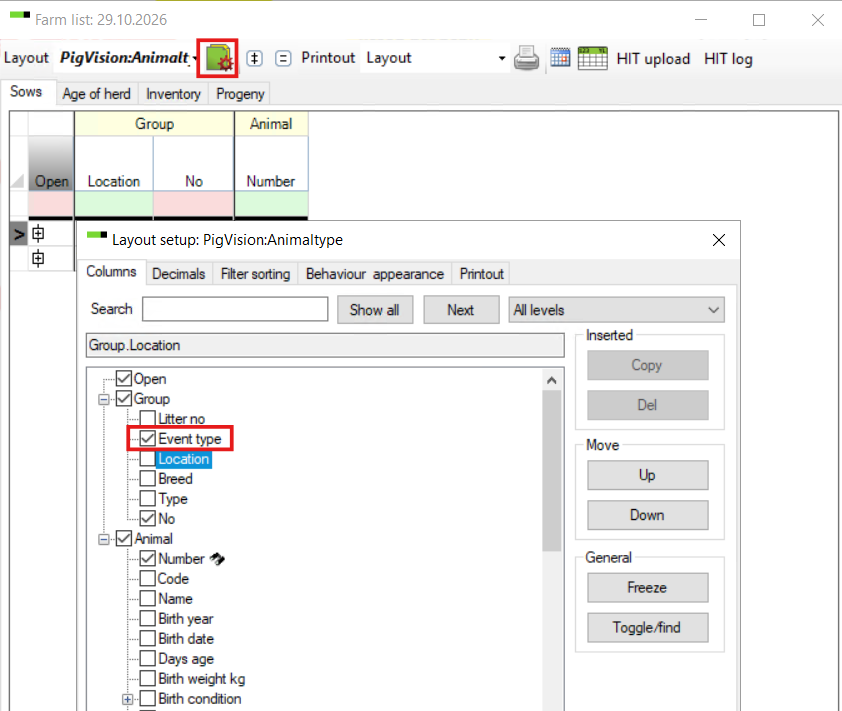
- To group sows by event type, select "Event type" in the layout setup
- Each group displays the number of animals belonging to that category
- You can expand a group to view the individual sow numbers
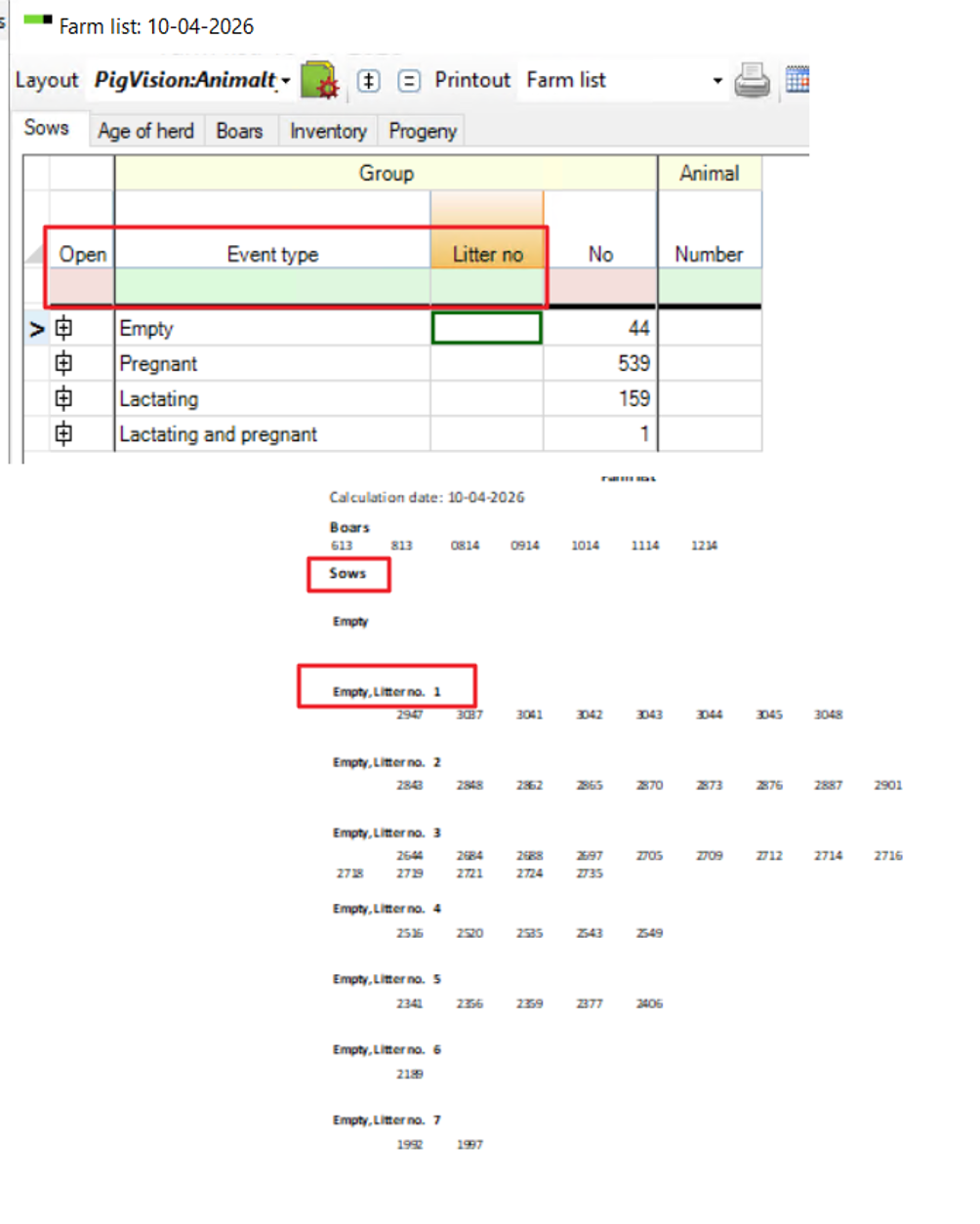
2. "Event type" and "Litter number"
Use this option when you want to organise sows by both their event type and litter number. Choose "Event type" and "Litter no" in the layout setup.
How it works:
- Sows are first grouped by event type. Within each event type, animals are further grouped by litter number.
- You can view sow numbers within each litter group.
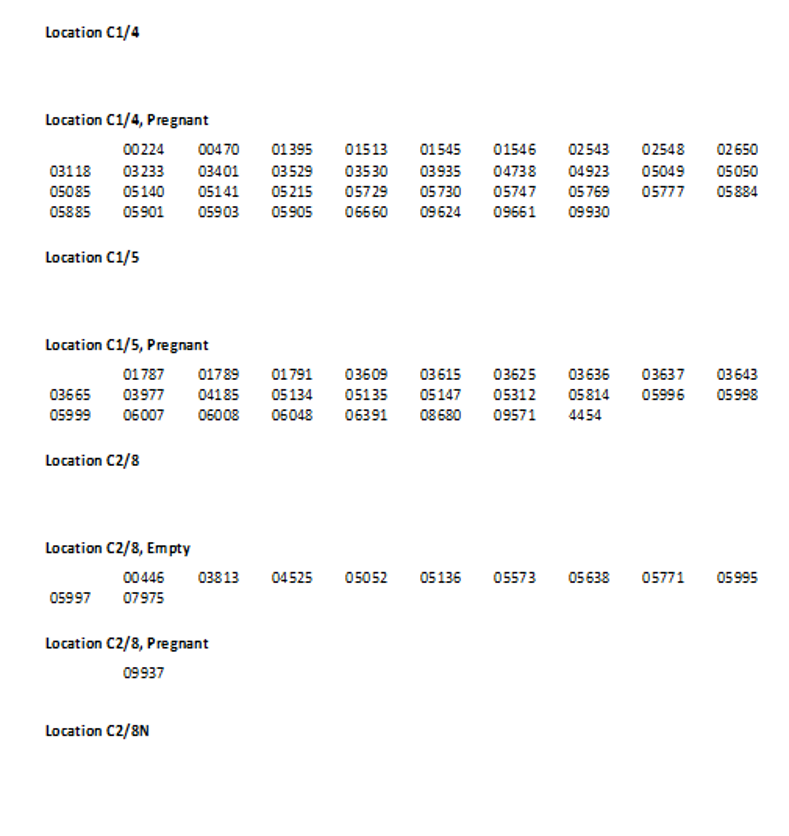
3. "Location" and "Event type"
Use this option when you want to see how sows are distributed across farm locations and their "Event types".