
It is possible to move or export maiden gilt from one farm to another. In this example the export is done on animals with an Tagid", but the way to do it is the same no matter the genetics. You'll just need to add the right column for it.
Export of maiden gilts
Go to "Breeding" - "Breed progeny removal"
Click on the icon "Layout setup" to add the column with the correct ID. In this case "DanBred tagid", if it isn't already in the overview.
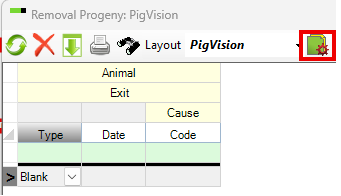
Now add the ID on the maiden gilts you would like to transfer to another herd. Remember to add the exit date.
When all the required maiden gilts have been added, click on the icon "Export"
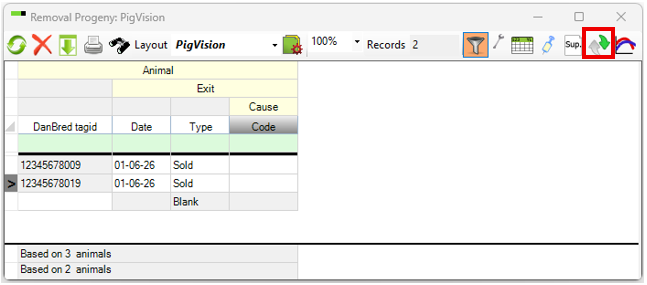
The file can be sent to the receiver, who will import the animals or go "General" - "Choose farm" - find and click on the farm, the maiden gilts should be imported to.
Import maiden gilts
Go to "Breeding" - "Breed progeny" and click on the "Import" icon.
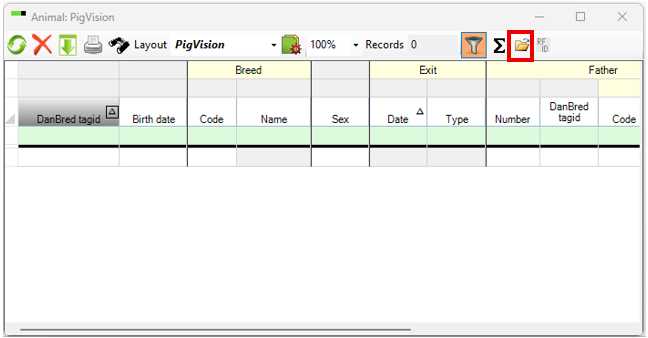
Find the file with the maiden gilts on the c-drive, double click on the file. You'll now have a few pop ups with things to need to decide on. When all have been chosen the animals will be imported.