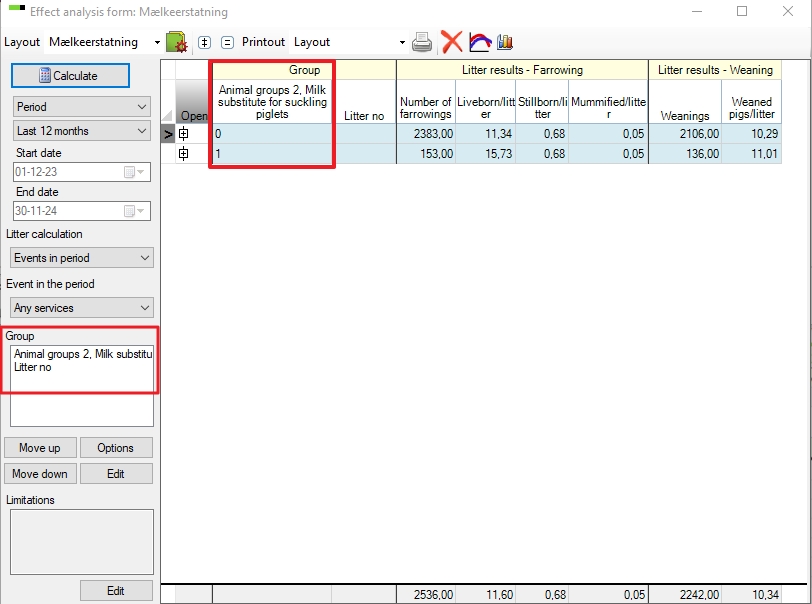
In PigVision it is possible to benchmark groups of sows.
It can be in situations when you want to find out if extra milk to the piglets is beneficial for example. You can make a group of sow where you give extra milk, and a group who don't get extra milk. You can set up all the groups you want to investigate.
To set up the groups go to "General" - "Groups". In the empty column under "code" you can set up the new group. See examples below.

In this example, two sow groups are set up - but for reference "Milk substitute for suckling piglet" is used in the below examples. It is here you set up all the groups that you would like to use in your herd.
1 = The suppliers from where you have purchased your maiden gilts from.
2 = The sows where the suckling piglets have been given extra milk substitute while still being with the sow.
Now go to the window where you would like to add the sows to the group or groups in.
You can add sows to “Groups” in all entry screens by adding the “Group” to the layout. Open layout setup and add the column.

If you want two or more “Groups” in the layouts then click on “Groups” and then on "Copy".
In this example the groups are put in the window in "Sows boars" - "Animal" - "Breeding stock":
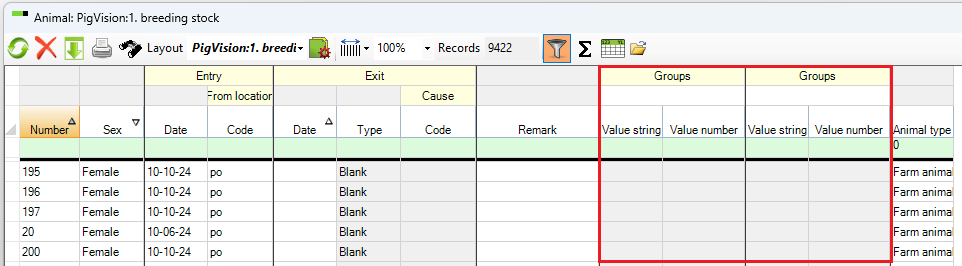
To open the column, the group must be added in the field under "Groups". Click in the field and enter the group code, or place the cursor in the field and click the "Search" icon. From here, you can select the group you want to add by double-clicking the code.
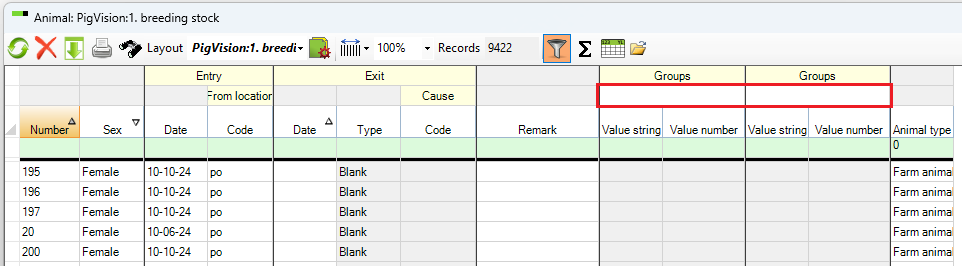
Once the group has been added, the column will open.
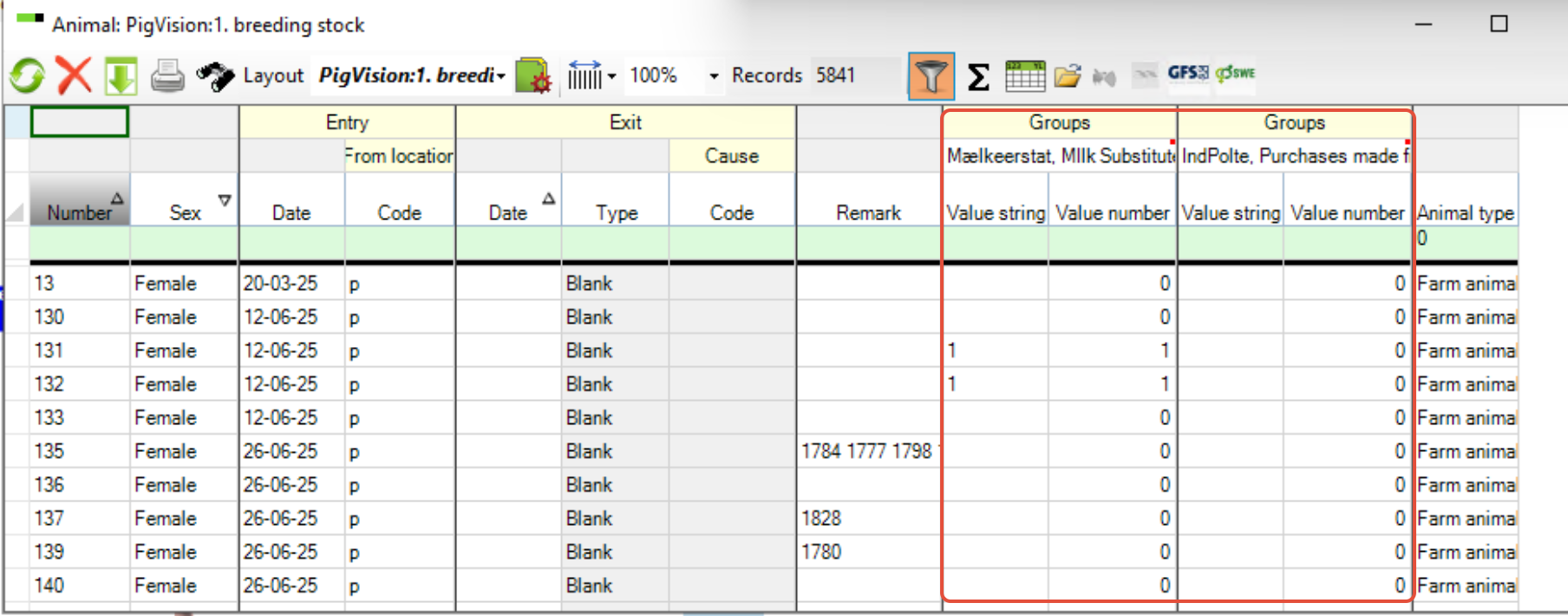 If the need is only for a numeric number, then you can use the “Value number” and it will populate both the “Value string” and the “Value number”.
If the need is to have both numeric and alphanumeric characters, then use the “Value string”.
You can’t have one value in “Value string” and another one in “Value number” in the same “Group”.
In the picture above the numbers "0" and "1" are typed in the column ""Value string" under "Milk Substitution" for all the sows, showing with the group the sow belon to.
In “Analysis sows” you can compare the sows in a sow group with the different values given. In the example below there are the values:
0: Sows whose suckling piglets did not get milk substitute
1: Sows whose suckling piglets did get milk substitute